
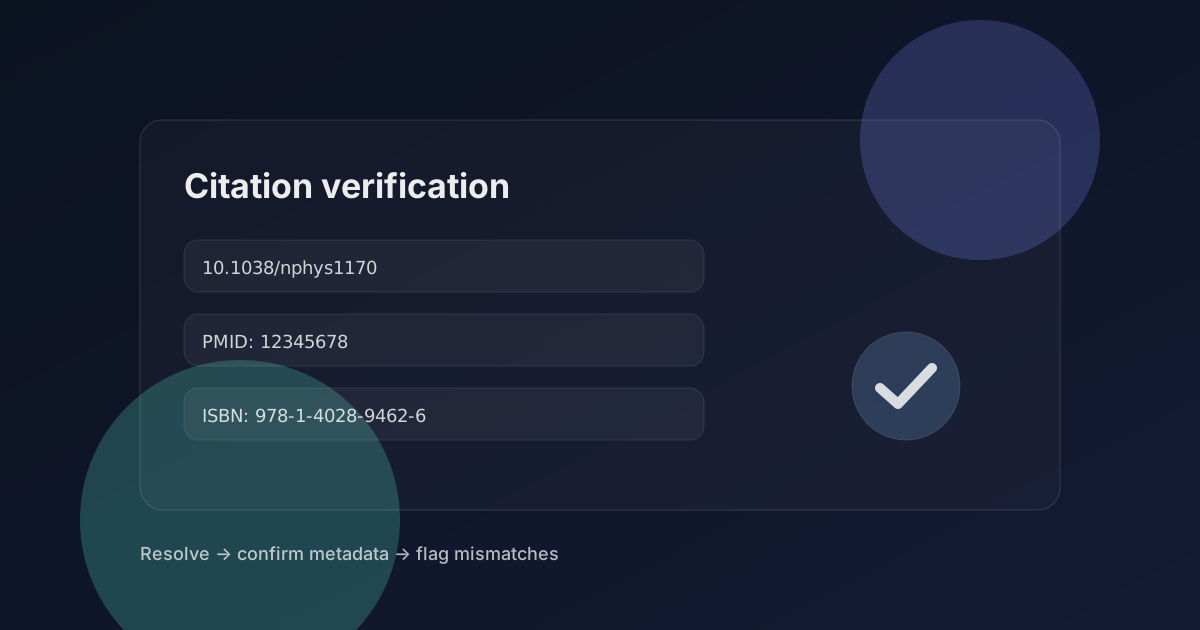

Broken citations are rarely malicious — they are usually the result of copying, formatting drift, and “URL-first” habits that don’t survive time. The good news is that most problems fall into a few repeatable categories, and you can fix them with a conservative workflow.
This guide is designed for fast cleanup: you want a bibliography where (1) sources exist, (2) metadata matches, (3) readers can open the canonical record, and (4) you can label anything uncertain as “needs review” instead of guessing.
What counts as “broken” (the three buckets)
- Dead link: the URL 404s, redirects to an unrelated page, or requires a login/paywall you didn’t intend.
- Missing identifier: the citation has a title and authors but no DOI/PMID/ISBN (or the identifier is present but malformed).
- Ambiguous reference: the citation is too vague to resolve reliably (common title, missing year/venue, inconsistent author list).
If you can’t resolve a citation to a canonical record with matching metadata, the correct output is “needs review,” not a best guess. Ambiguity is a property of the data, not a challenge to “be confident.”
A fast triage pass (before you start fixing)
- Group entries by type: journal articles, conference papers, books, web pages, datasets/software.
- Mark which entries already have stable identifiers (DOI/PMID/ISBN).
- Flag URL-only citations that point to PDFs or random mirrors.
- Flag citations with missing year, venue, or first author (these often become ambiguous).
- If you have many entries, batch them and fix highest-impact first (frequently cited, central claims).
Fixing dead links (without turning your bibliography into a URL dump)
A dead link is a symptom. The actual question is: is there a canonical record you should cite instead of the link? For papers: usually yes (DOI/PMID). For web-native sources: sometimes no, and the URL is the right identifier — but you should treat it carefully.
- If the citation is a paper: search for DOI/PMID and replace the URL with the identifier-first citation.
- If the citation is a book: prefer ISBN + publisher page or library catalog record.
- If the citation is a policy/docs page: keep the canonical URL, add an “accessed at” date, and consider an archive snapshot.
- Avoid citing “random PDF hosts” when an official landing page exists.
Recovering missing DOIs/PMIDs/ISBNs
The fastest way to recover identifiers is to use the most distinctive metadata you have. A title alone is often enough, but common titles will create ambiguity. Adding the first author and year usually resolves it.
- Start with title + first author + year; search an official index (Crossref for DOI, PubMed for PMID, library catalogs for ISBN).
- Confirm that the resolved record matches your citation line (title, year, venue, first author).
- If multiple candidates match: mark “needs review” and capture both candidates rather than guessing.
- When you find the canonical identifier, update the citation to prefer the identifier over a link.
A DOI can resolve to a real paper that is merely related. Always verify metadata. If the title/year/author list doesn’t match, treat it as a mismatch and investigate.
Handling ambiguous references (the “sounds right” trap)
Ambiguity often comes from shortened titles, missing venue names, or author list drift. This is where a conservative label saves time: rather than spending hours, capture what’s missing and route it back to the author or editor to fix.
- If the title is common: require additional fields (venue, volume/issue, page range, DOI).
- If the author list is inconsistent: trust the canonical record, not the draft reference list.
- If the year doesn’t match: check “online first” vs print year; cite the canonical record and version.
- If you only have a PDF: search for the title to find the canonical landing page, then verify.
A batch workflow that scales past ~20 references
If you’re cleaning a big bibliography, the win is standardization: treat each reference as an item with a status. That turns a messy cleanup into a queue you can finish reliably.
- Verified: identifier resolves and metadata matches.
- Needs review: unresolved, ambiguous, or metadata mismatch.
- Web-native: URL is the identifier; record access date + verify final domain.
- Replace: citation points to a mirror/secondary; swap to canonical record.
A “bibliography health check” tool can accelerate the first pass: it’s good at surfacing dead links, missing identifiers, and mismatches. The human work is deciding how to repair each item and when to label it for follow-up.
Quality bar: what “done” looks like
- Most papers are cited via stable identifiers (DOI/PMID/ISBN) rather than raw URLs.
- URL citations resolve to canonical domains and include access dates when appropriate.
- Anything unresolved is clearly labeled “needs review” (no silent guessing).
- If a claim depends on a citation, you can open the source and find the supporting section quickly.
Clean citations reduce friction for readers and reviewers. That improves trust signals, reduces bounce, and makes your work easier to cite — which is exactly the loop you want for sustainable traffic.